

Types of Project Management Dashboard (With Examples & Use Cases)
Types of project management dashboard is a topic many people search, but most articles (like yours) mix tools with concepts, which creates confusion.
In this guide, I’ll explain:
- What a project dashboard actually is
- Different types (proper classification)
- Real examples
- When to use each
What is a project management dashboard?
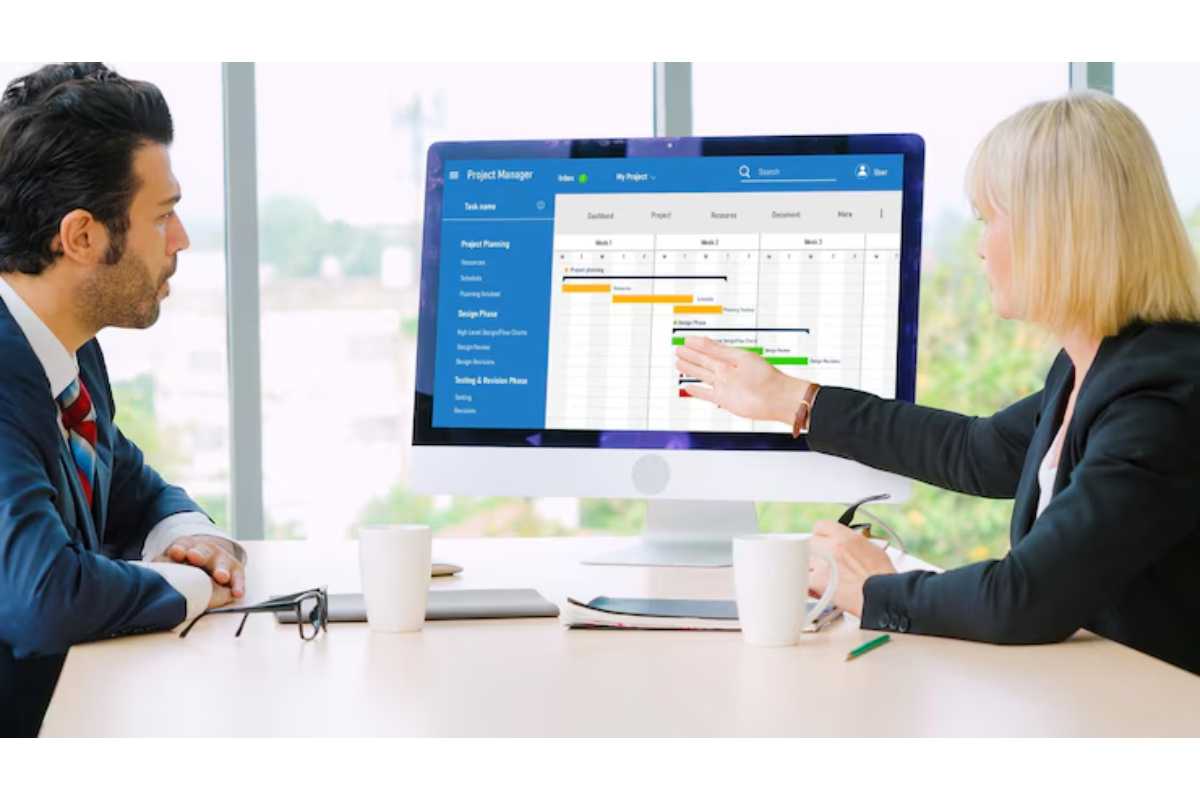
A project management dashboard is a visual tool that shows key project data like tasks, deadlines, budget, and performance in one place.
Think of it as:
A “control panel” for your project
It helps teams:
- Track progress
- Monitor KPIs
- Make faster decisions
Dashboards provide a real-time overview of project metrics and performance
Why Project Dashboards Are Important
They help in:
- Better decision-making
- Real-time tracking
- Improved communication
- Resource management
Instead of checking multiple reports, everything is in one place
Main Types of Project Management Dashboard
Now let’s fix the biggest mistake and explain actual types (not tools)
1. Operational Dashboard
What it is:
Used for day-to-day project tracking
What it shows:
- Task progress
- Deadlines
- Team workload
Example:
A software team tracking:
- Daily tasks
- Sprint progress
Focus = real-time operations
2. Strategic Dashboard
What it is:
Used by managers and executives
What it shows:
- Long-term goals
- Project performance
- KPIs
Strategic dashboards focus on high-level insights and business outcomes
Example:
CEO tracking:
- Project success rate
- Revenue impact
3. Analytical Dashboard
What it is:
Used for deep data analysis
What it shows:
- Trends
- Historical data
- Performance comparisons
Example:
Analyzing:
- Why a project failed
- Cost trends
Helps in data-driven decisions
4. Project Status Dashboard
What it is:
Gives a quick overview of project health
What it shows:
- On-track / delayed
- Milestones
- Risks
Example:
A project manager checking:
- Which tasks are late
5. Resource Management Dashboard
What it is:
Focuses on team and resource allocation
What it shows:
- Workload
- Availability
- Productivity
Example:
Ensuring no employee is overloaded
Helps avoid burnout
6. Financial Dashboard
What it is:
Tracks budget and costs
What it shows:
- Budget vs actual
- Expenses
- Profit
Example:
Construction project tracking costs
7. Portfolio Dashboard
What it is:
Used for managing multiple projects
What it shows:
- All projects in one view
- Performance comparison
Example:
Company handling:
- 10+ projects at once
Focus = big picture
8. Risk Dashboard
What it is:
Tracks potential risks
What it shows:
- Risk level
- Impact
- Probability
Example:
IT project identifying:
- Security risks
9. Marketing Project Dashboard
What it is:
Used for marketing campaigns
What it shows:
- Campaign performance
- Leads
- Conversions
Example dashboards include marketing tracking systems
10. Agile / Sprint Dashboard
What it is:
Used in Agile projects
What it shows:
- Sprint progress
- Backlog
- Burndown charts
Example:
Scrum team tracking sprint tasks
Types vs Tools (Important Clarification)
This is where your article went wrong.
Wrong:
- Basecamp = dashboard type
- Harvest = dashboard type
Correct:
These are tools/software used to CREATE dashboards.
Examples of Dashboard Tools (Not Types)
- Asana
- Trello
- Monday.com
- ClickUp
These tools can create multiple dashboard types
What a Good Dashboard Includes
A proper dashboard should show:
- Tasks & deadlines
- KPIs
- Budget
- Resource allocation
- Risks
Dashboards combine metrics, charts, and data visualization for quick insights
Real-Life Example of Dashboard Usage
Let’s say you run a digital marketing agency.
You might use:
- Operational dashboard → daily tasks
- Marketing dashboard → campaign tracking
- Financial dashboard → budget tracking
All dashboards serve different purposes
Benefits of Project Dashboards
- Real-time visibility
- Better team coordination
- Faster decisions
- Improved productivity
Common Mistakes to Avoid
- Mixing tools with types
- Adding too many metrics
- No clear purpose
- Poor design
Types of Dashboard (Quick Comparison)
| Dashboard Type | Purpose | Used By |
|---|---|---|
| Operational | Daily tracking | Teams |
| Strategic | Long-term goals | Executives |
| Analytical | Data analysis | Analysts |
| Status | Project health | Managers |
| Resource | Team workload | HR/Managers |
| Financial | Budget tracking | Finance teams |
Tips to Choose the Right Dashboard
- Define your goal first
- Don’t overload data
- Focus on key metrics
- Use visual charts
FAQs
What are project management dashboards?
They are visual tools that display project data like tasks, deadlines, and performance metrics.
What are the main types of dashboards?
Operational, strategic, analytical, and project-specific dashboards.
Are dashboard tools and types the same?
No. Tools create dashboards, while types define their purpose.
Why are dashboards important?
They help teams track progress and make better decisions.
Final Thoughts
Types of project management dashboard should be clearly understood—not confused with tools.
Once you understand the difference:
- You can choose the right dashboard
- Improve project efficiency
- Make smarter decisions